![Variation=Brandmark, Color=WhiteVector.svg]](https://support.q7leader.com/hubfs/Variation=Brandmark%2c%20Color=WhiteVector.svg)
In this article, you will learn how to:
- Change the password of a user within your organization.
- You must have Admin permissions to access the Admin Panel.
- The team member must already be invited to MyQ7Leader (i.e., they already have an active account).
How to change a User's Password:
Access the "Admin Panel" (available only for Admins).
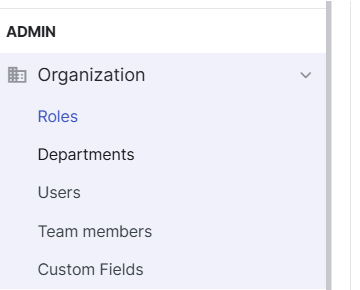
In the Organization section, go to "Users".
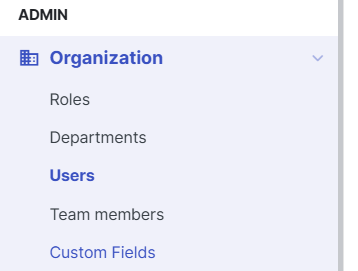
Select the user whose password you want to change and click on the "Lock" icon to the right.

Enter the new Password and Click on « Save ».
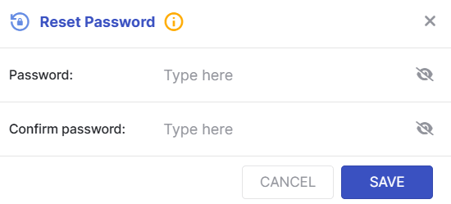
Once saved, you need to share the new password with your team member securely.
If the user wishes to change their password later, they can follow the article on How to reset or change my password.